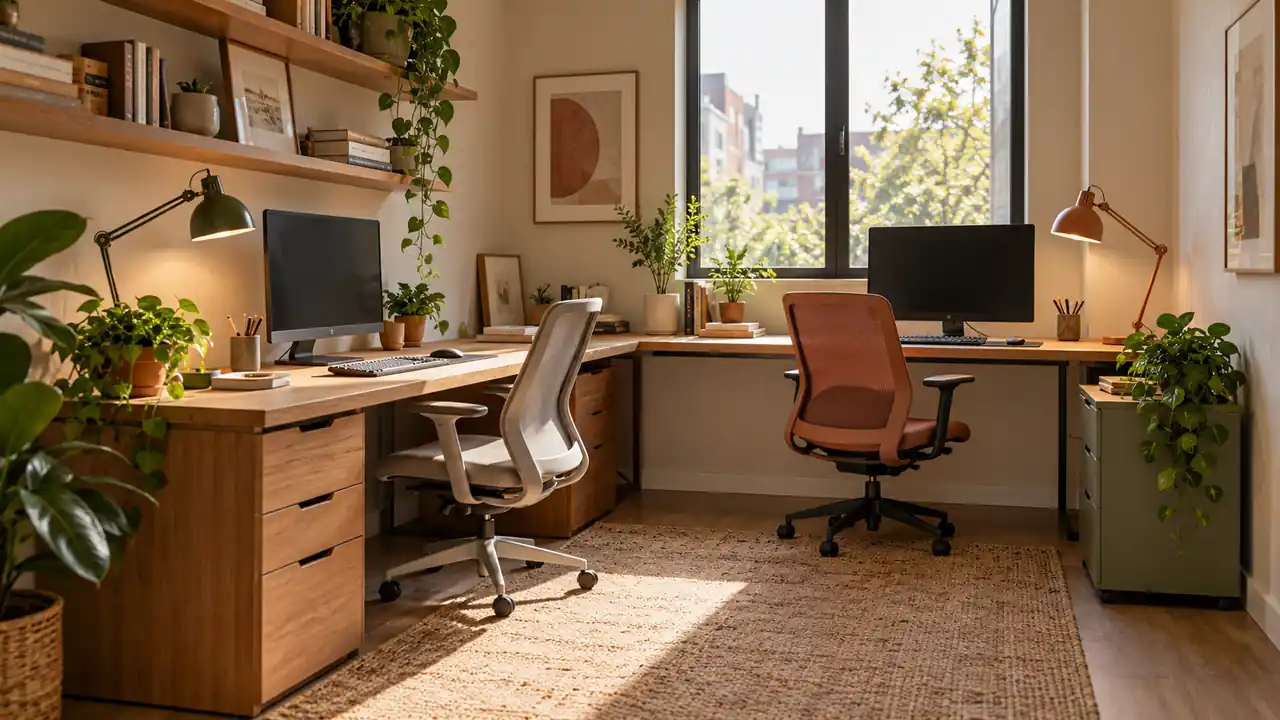
Two people can share one office without spending the whole day negotiating elbow room. A small office for two people works best when the layout supports real habits, including quiet tasks, video calls, shared projects, and breaks. One person may prefer facing a window while the other needs fewer visual distractions. Different chairs, desk heights, or lighting choices can help both people work comfortably without making the room feel disconnected. Start by measuring the furniture you actually use, including chairs pulled back from desks. Then think about how you move, speak, and focus during a normal day. These ideas offer practical arrangements to test before you buy furniture or commit to a layout that only looks good in a photograph.
1. Side By Side Desks
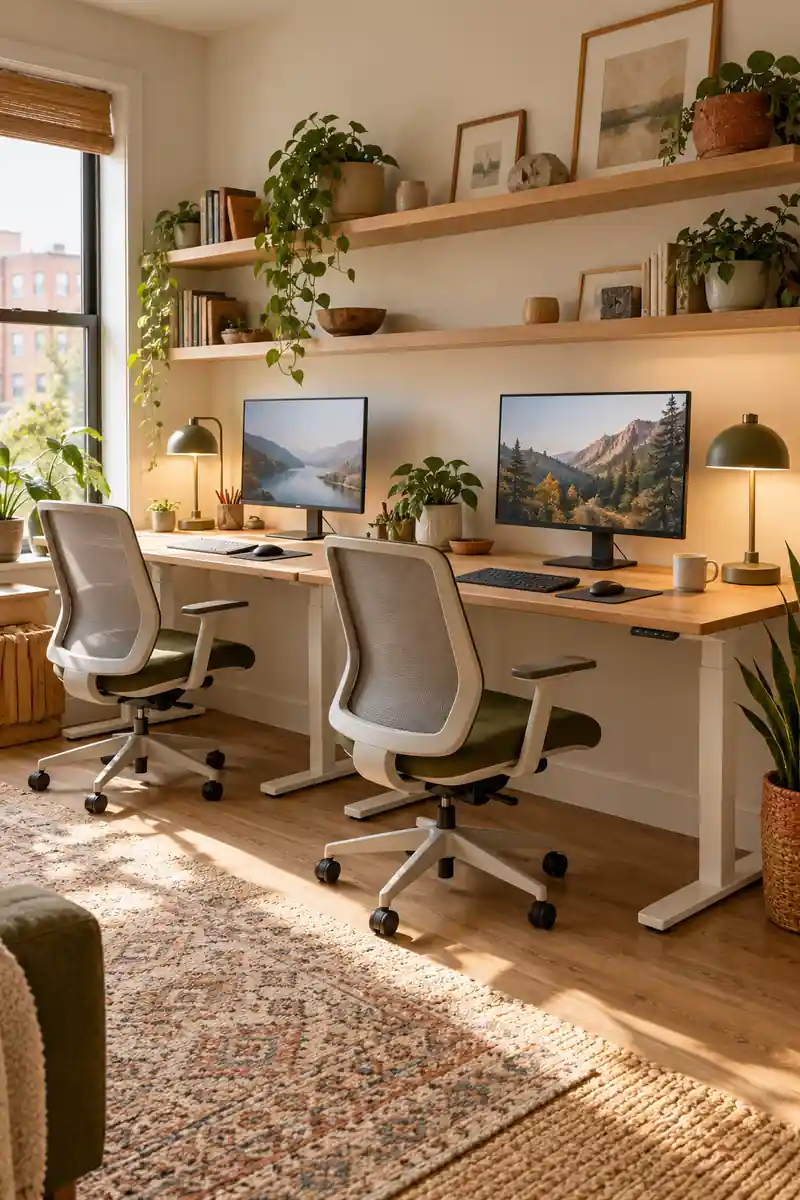
Working beside someone feels simple until chair arms collide and elbows compete for space. Begin with two clearly defined desktop areas, even if they share one long wall. Each person needs enough width for their own keyboard, mouse, and everyday paperwork without borrowing the neighboring surface throughout the day.
Place the monitors directly in front of their users and test the arrangement with both chairs occupied. Separate desks make it easier to adjust positions or replace one piece later. Keep shared equipment at an outer end so reaching for a printer does not interrupt the other person’s concentration.
2. Back To Back Desks
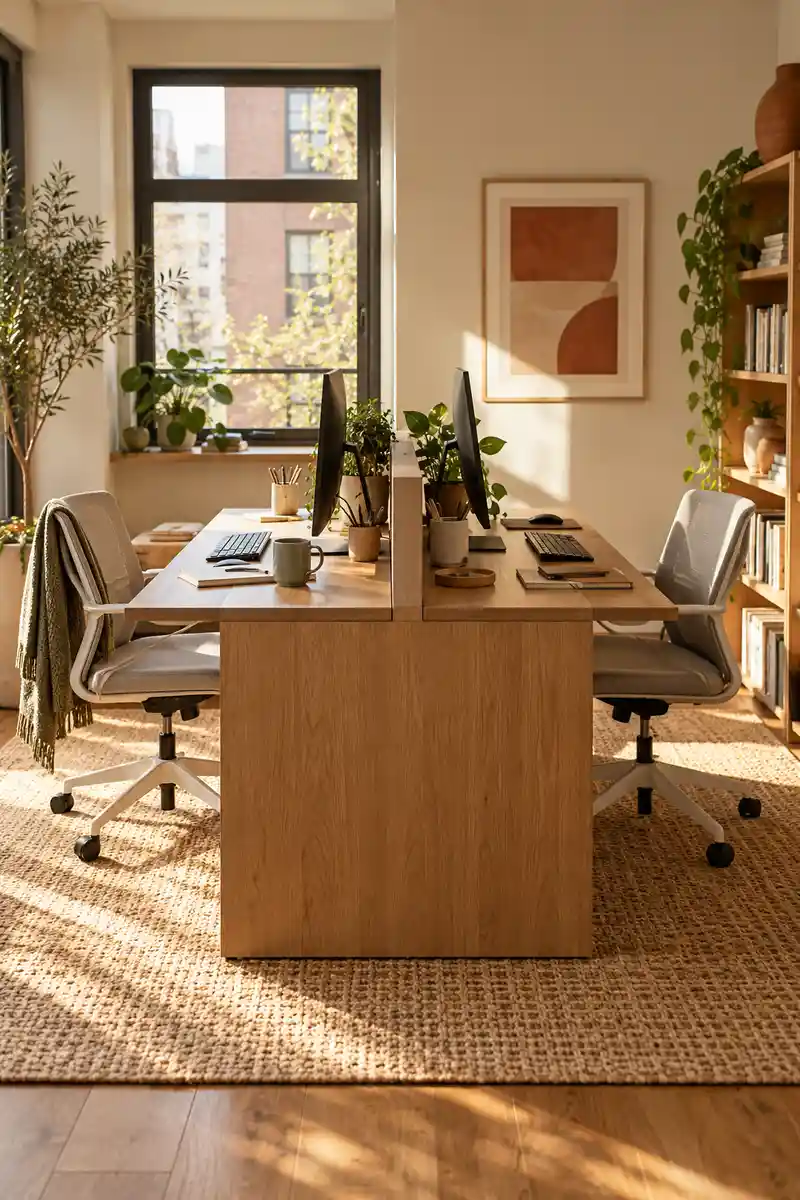
- Facing different directions can reduce the distraction of a moving screen. Place two desks with their rear edges together, giving each person a separate working side.
- Keep monitor bases within their own desktops.
- Check that cables are protected between the desks without being pinched.
- Agree on a simple way to signal when conversation is welcome.
This arrangement suits people who want company without sharing the same view. Leave enough space behind each chair for sitting down and getting up comfortably. Route power along a safe edge rather than across either chair path, and check that the desk depths leave a practical walking route through the room.
3. Opposite Wall Workstations
Quick Tip:
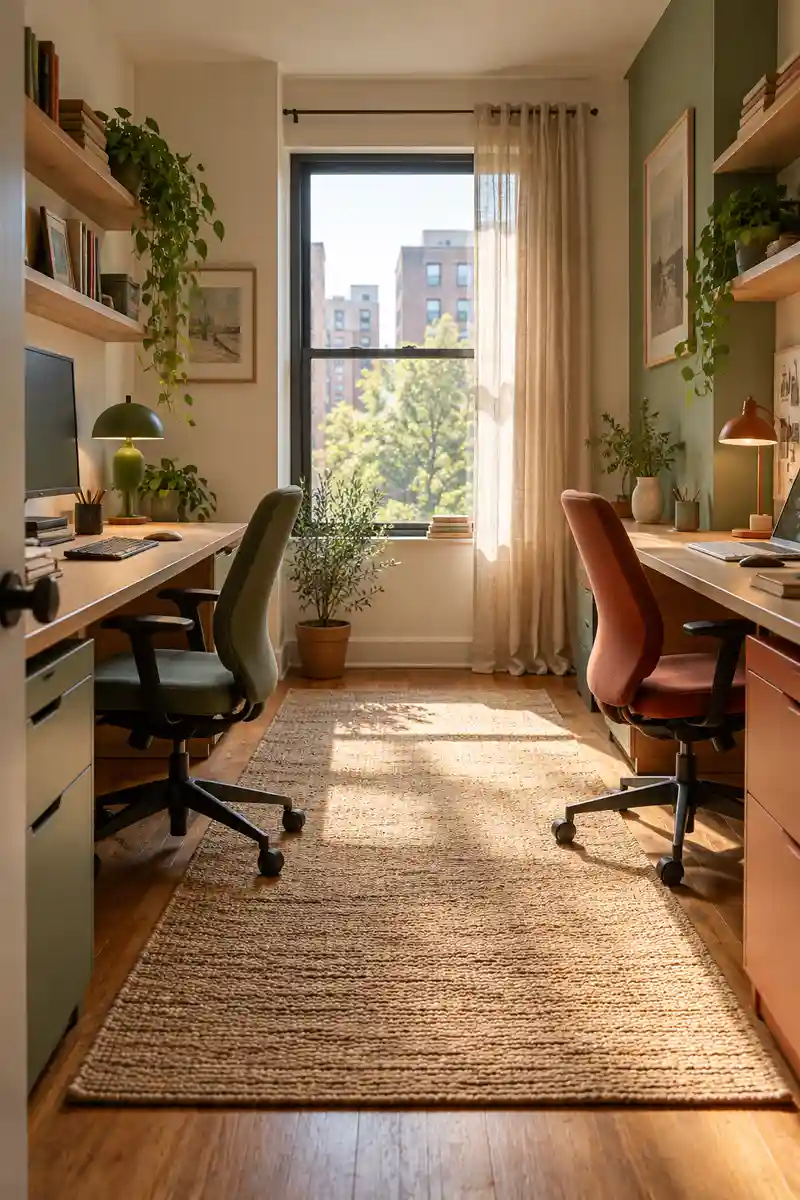
Distance helps only when the center stays usable. Measure the room with both desks and pulled out chairs included, then preserve a clear route between them.
Opposite walls can give each person a stronger sense of personal space, especially when work styles differ. Position shared supplies near the entrance or along a side wall. Test both chairs pulled back at once before committing to the arrangement, since a clear room can feel much tighter once occupied.
4. Corner L Desk Pair
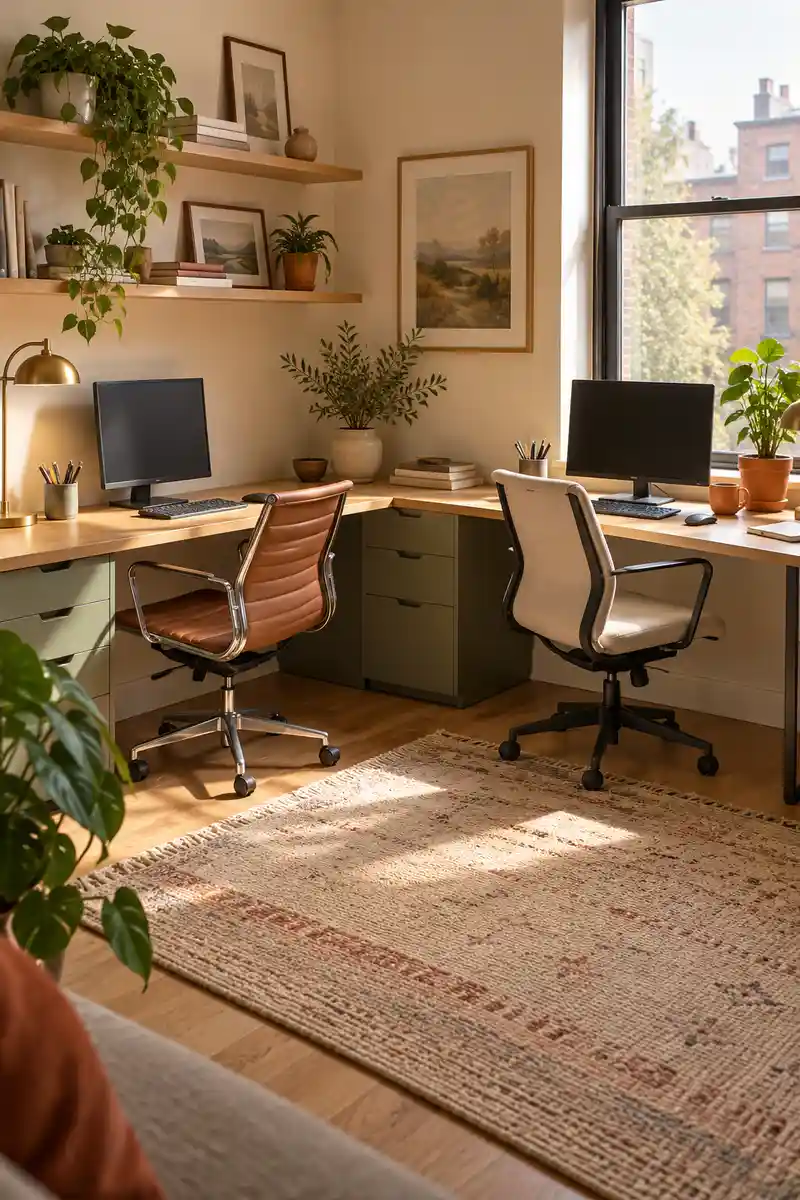
BEFORE: Two desks line one short wall and feel squeezed together. One person keeps moving a chair whenever the other needs a drawer.
AFTER: The desks follow adjacent walls in an L. Each person gets a separate working direction while the center of the room stays more open.
Choose desk depths that allow both users to sit close to their keyboards without competing for the corner. A small unused gap can be better than forcing furniture into a tight fit. Keep the inner corner for a lamp or shared item, and let each person have a straightforward working edge.
5. Offset Desk Layout
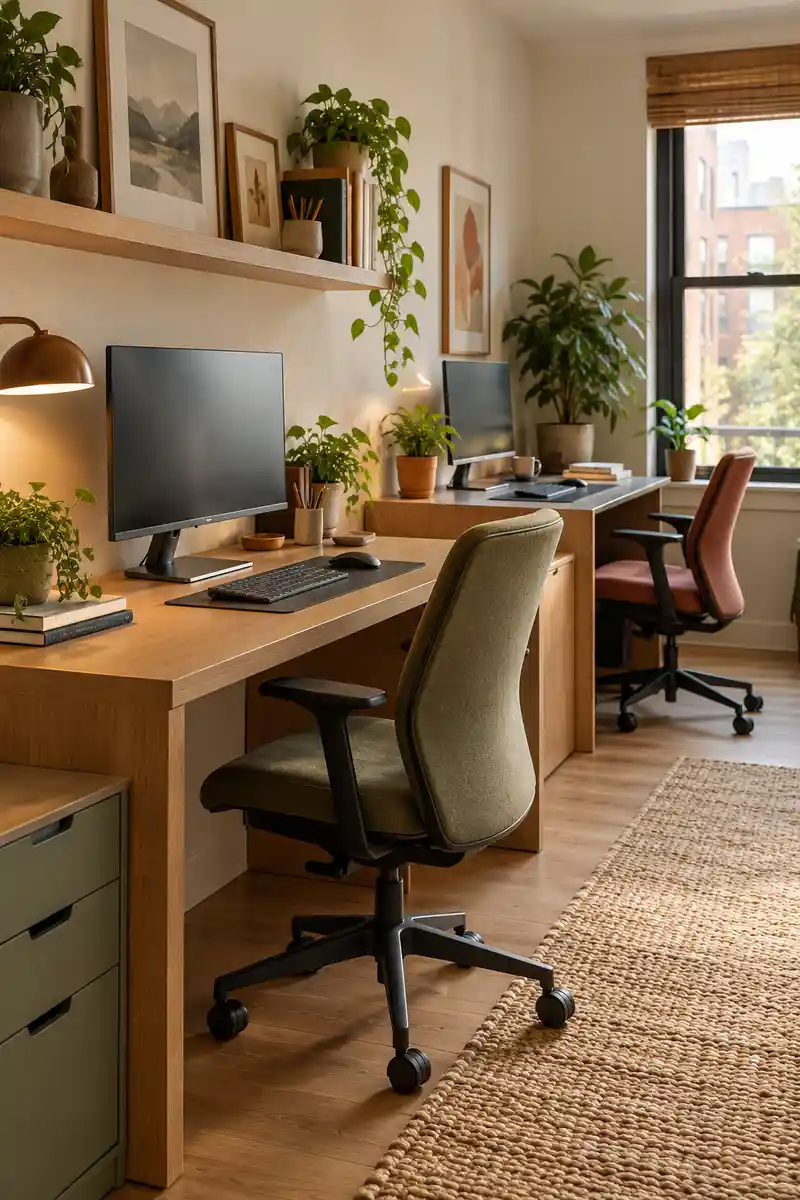
- A little offset can stop two chairs from competing for exactly the same space. Mark both desk footprints on the floor first.
- Move one desk slightly forward or farther along the wall.
- Sit at both positions and open nearby drawers.
- Adjust the gap until each person can leave their seat independently.
Staggered desks can break up a cramped line while keeping both people near the same outlet wall. The offset should respond to room shape, not create a new obstacle. Check that the forward desk does not trap the rear chair, and keep the deeper section away from the main entrance route.
6. Window Lit Workstations
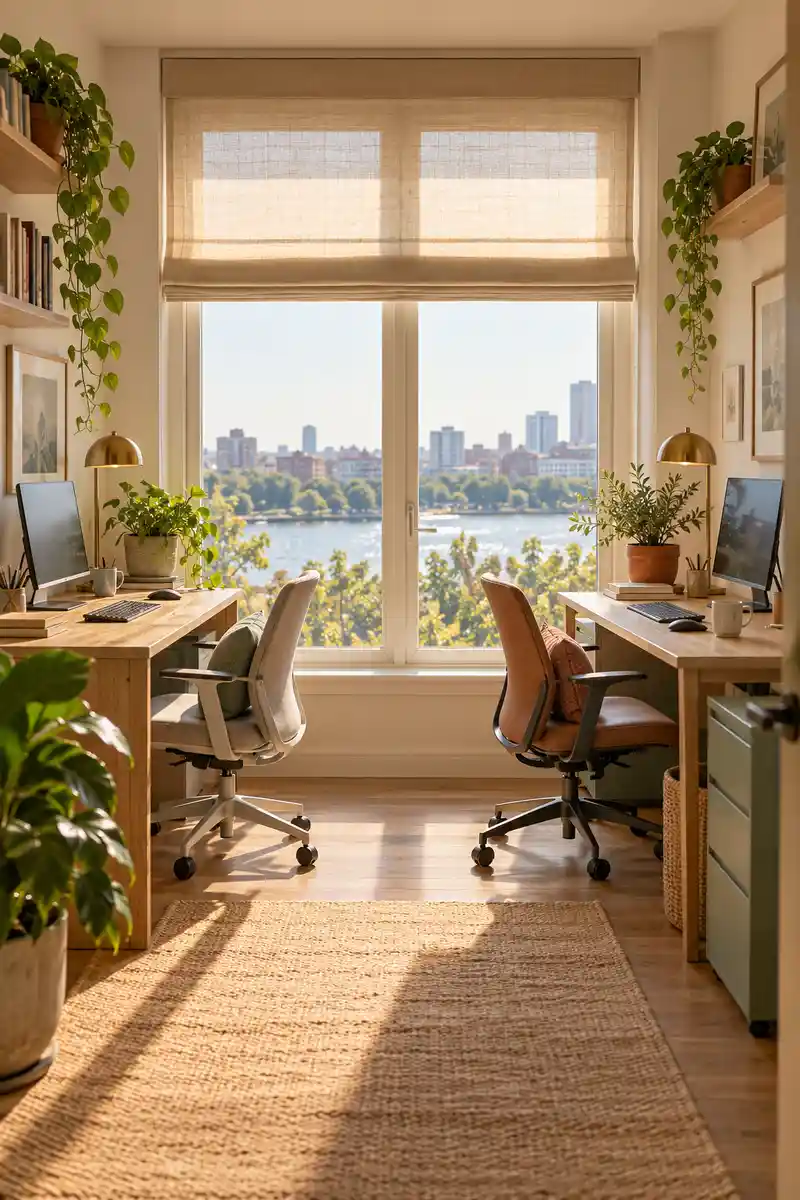
| Comparison | Direct bright window | Controlled window light |
|---|---|---|
| Screen comfort | Brightness may compete with displays | Blinds soften the difference |
| Desk position | Fixed for visual symmetry | Adjusted for actual glare |
| Daily use | Changing sun can interrupt work | Light can be controlled as needed |
Daylight can make a compact office feel more pleasant, but bright glass behind a monitor may cause discomfort. Use adjustable blinds and test the setup at the times you usually work. If either screen becomes hard to read, turn that desk sideways rather than accepting glare for the sake of symmetry.
7. Quiet Call Corner
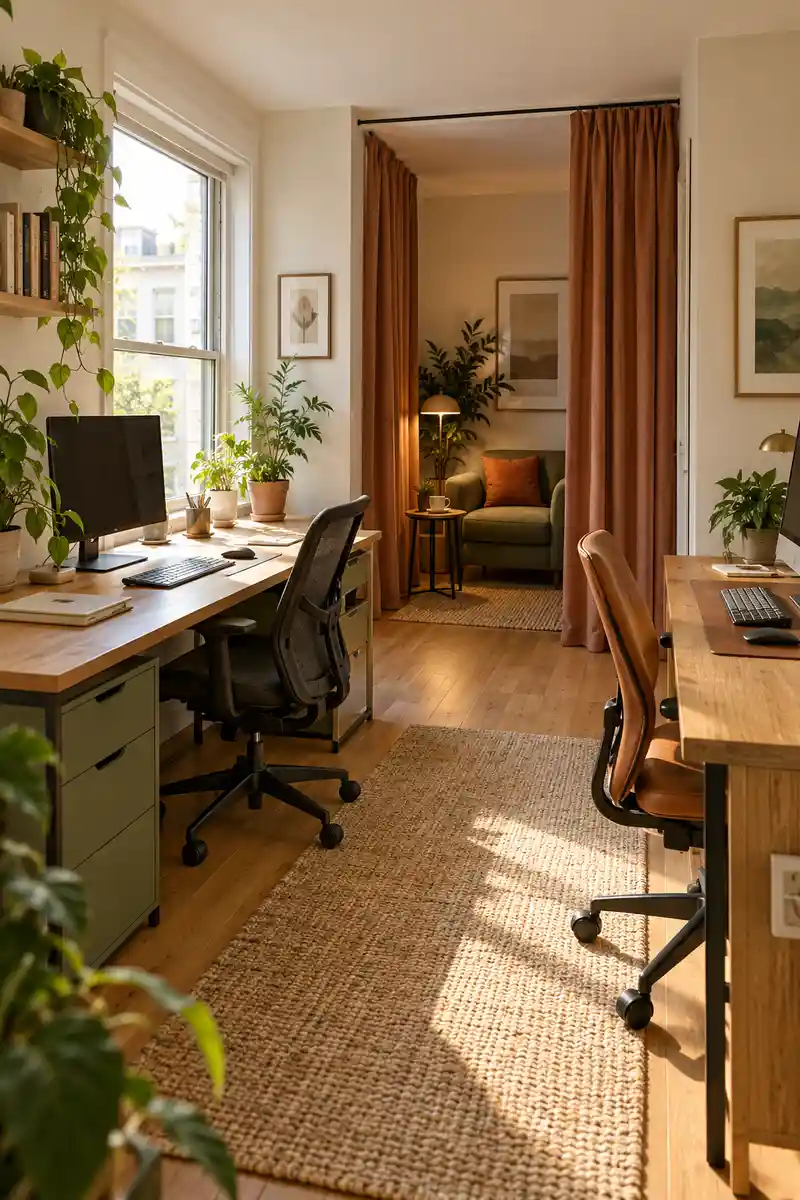
DO
- Keep the call corner outside the main walkway.
- Use headphones and a microphone close to the speaker.
- Check what is visible behind the seat on camera.
DON’T
- Promise privacy from a curtain alone.
- Put a call chair directly behind the other monitor.
- Let extra seating block a door or window.
A separate call seat can reduce movement around the main desks, although it will not soundproof a shared room. Choose a corner that has a useful background and comfortable light. Agree on call times for sensitive or noisy conversations, and use another room when privacy genuinely matters to the work.
8. Individual Task Lighting
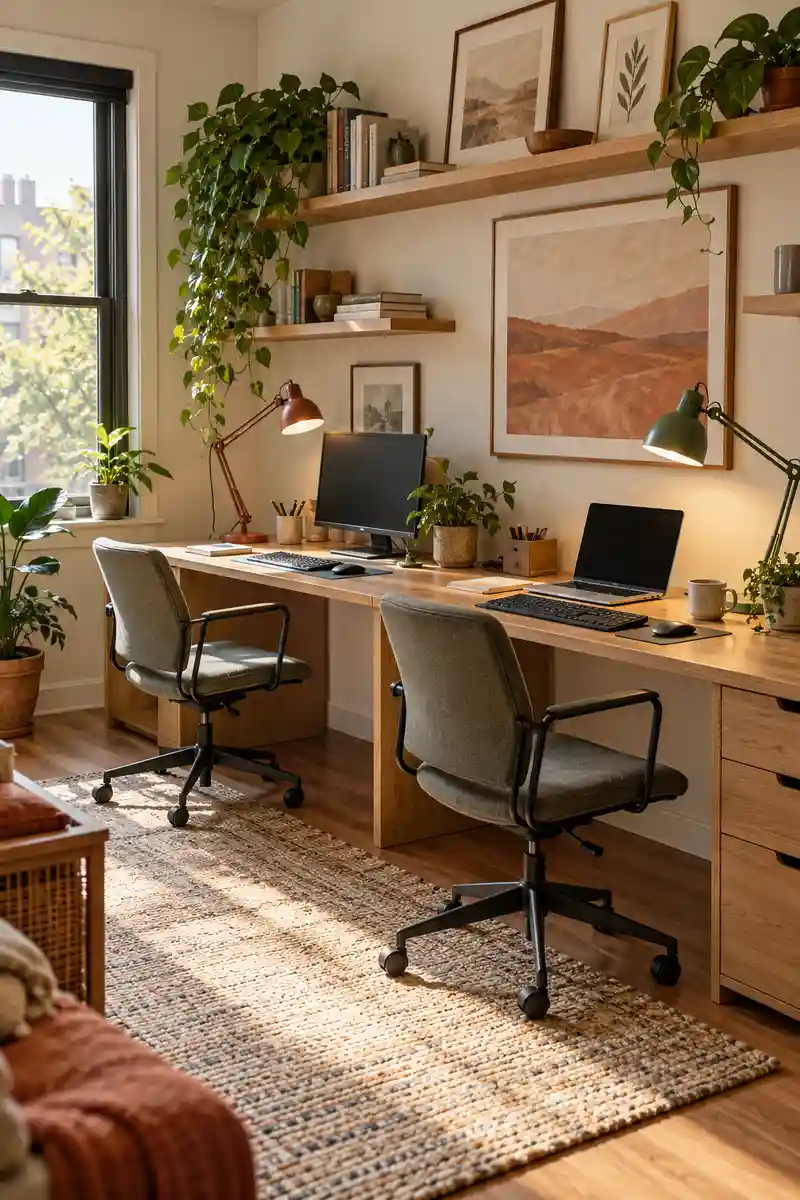
Result: Each person can adjust their own working light.
Best For: Different schedules or mixed screen and paper tasks.
Placement: Beside the working area, clear of monitor reflections.
Check: Keep cords safely routed behind the desks.
Different tasks need different light, so two adjustable lamps are often more useful than one central desk lamp. Aim each beam at the working surface without shining it toward the other person. Position lamps away from screen reflections, and choose controls that can be reached comfortably without leaning across equipment.
9. Adjustable Desk Heights
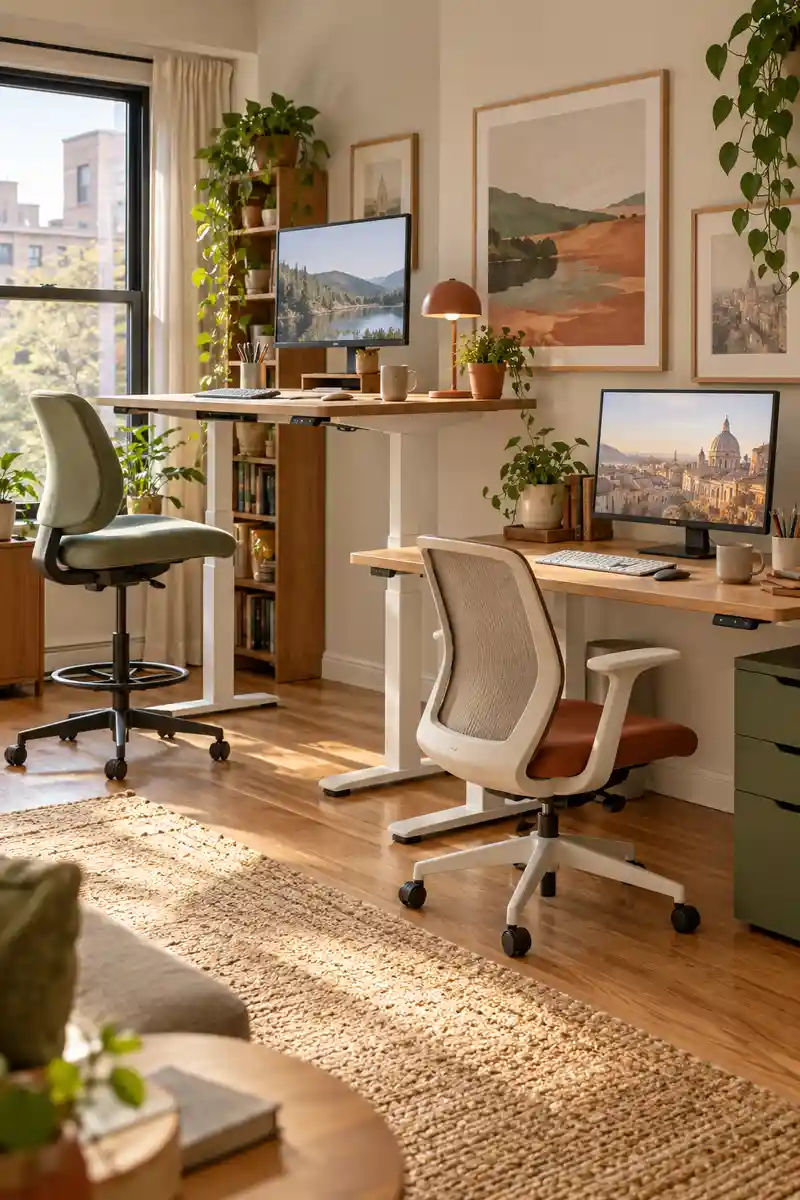
A shared office does not need identical desk heights to look intentional. Two independently adjustable workstations let each person set the surface to suit their body and task. Start with comfortable seated positioning, then adjust standing height gradually instead of treating standing all day as the goal for either worker.
Check the desk manufacturer’s clearance and cable guidance before operating the mechanism. Nothing should become trapped beneath the moving top, including drawers, chair arms, or a neighboring desktop. Keep a chair available at both stations and alternate positions when comfortable. Matching finishes can connect desks even when their heights differ.
10. Separate Monitor Angles
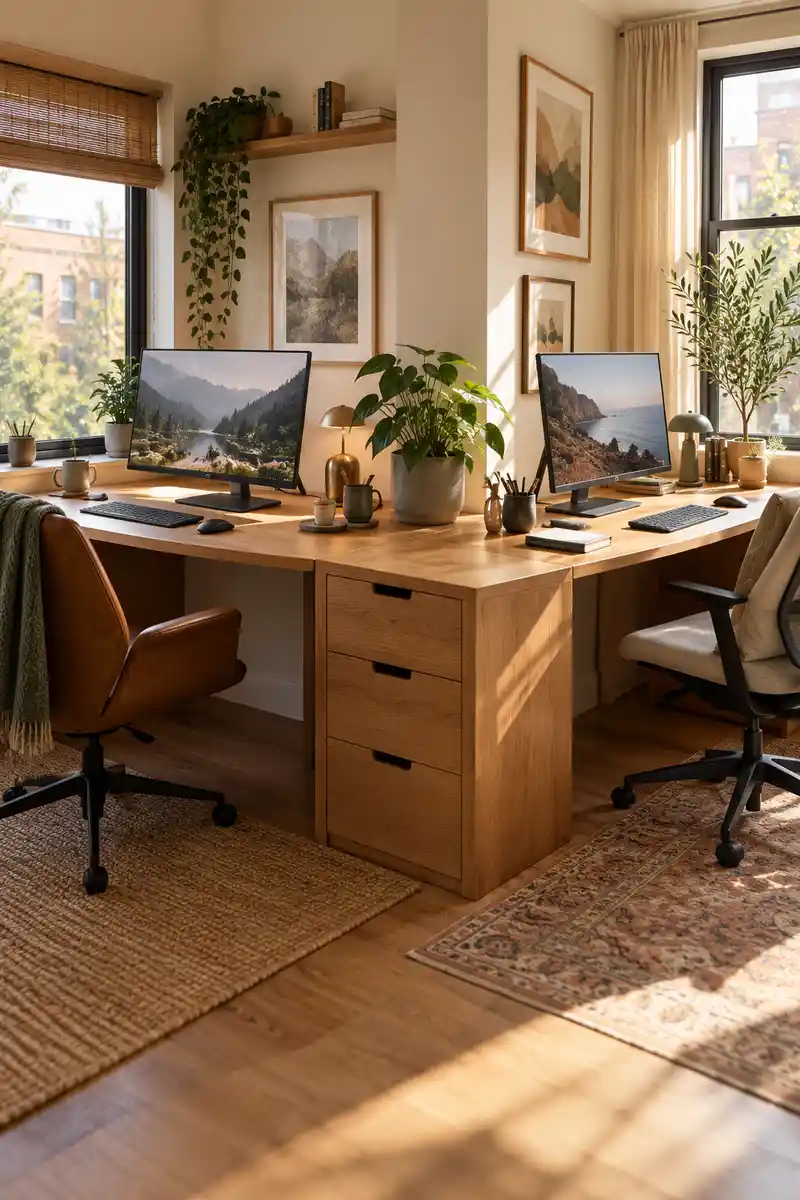
- A constantly moving screen can pull attention away from your own work. Turn each monitor toward its user instead of displaying both screens to the entire room.
- Keep keyboards aligned with their main displays.
- Check the background and sightline from both seats.
- Use privacy settings for sensitive information rather than relying only on furniture angles.
Small changes to screen direction can reduce accidental distractions without adding a divider. Keep the main screen roughly in front of its user so privacy does not come at the cost of a twisted posture. Check window reflections after moving equipment, and reserve monitor arms for desks that safely support them.
11. Soft Acoustic Layers
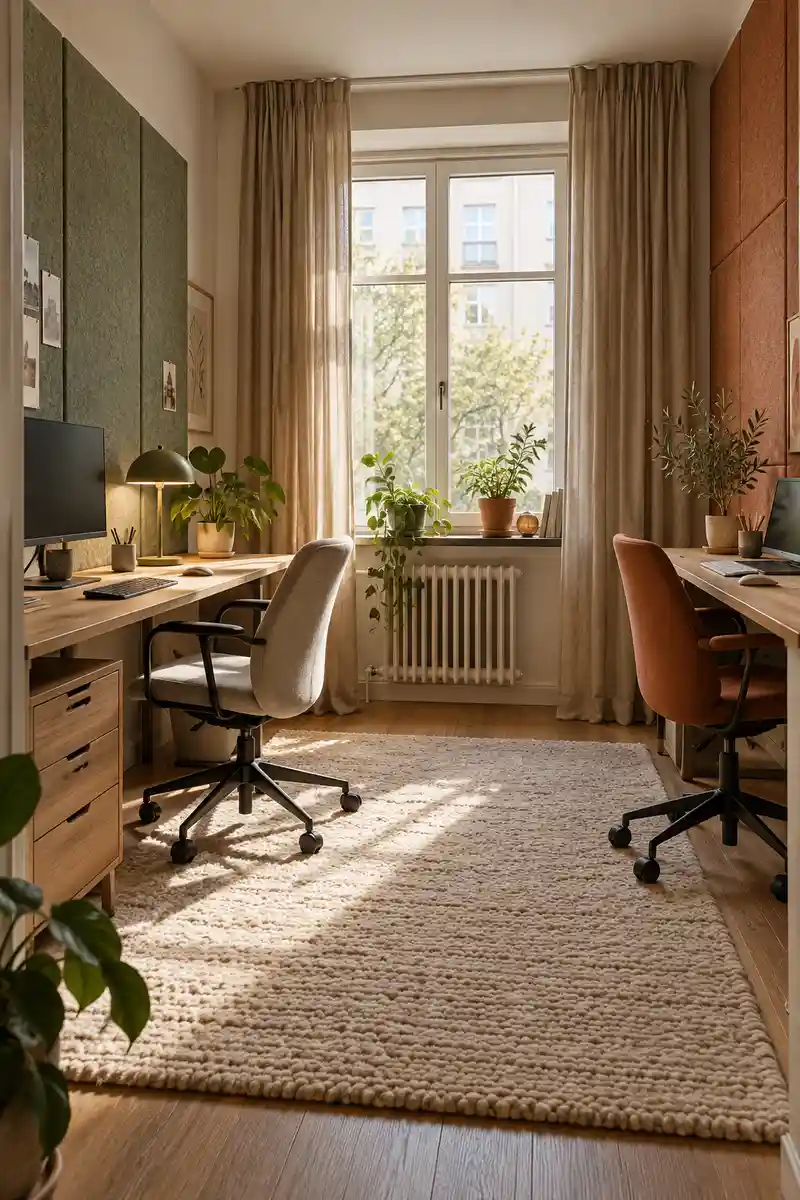
Quick Tip:
A room that echoes can feel busier than it looks. Start with an existing rug and curtains, then judge whether extra acoustic treatment is actually needed.
A rug, curtains, and soft furnishings can make voices sound less harsh in an otherwise bare office. They cannot guarantee isolation between simultaneous calls. Add a few soft surfaces where practical, keep ventilation clear, and combine them with lower speaking volume and planned call times for a more workable shared room.
12. Shared Break Perch
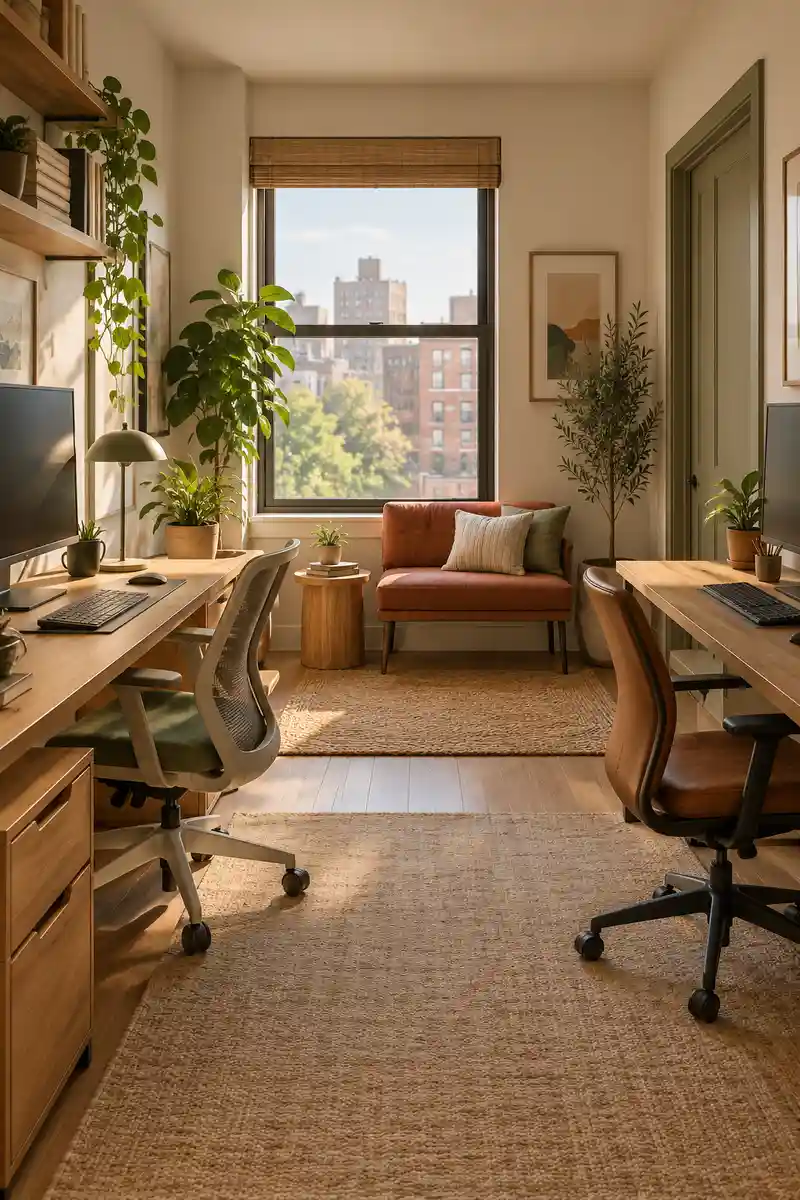
BEFORE: Every conversation happens while both people remain at their screens. Breaks blur into more work and nobody fully changes position.
AFTER: A small perch away from the desks offers a clear pause. Brief chats can happen without standing over somebody’s keyboard.
A small bench or pair of compact seats can create a welcome change of posture between tasks. Only add them if the room still has a clear walking route. In a tighter apartment, the nearby living area may serve better, leaving the office focused on two comfortable and properly usable workstations.
13. Compact Meeting Table
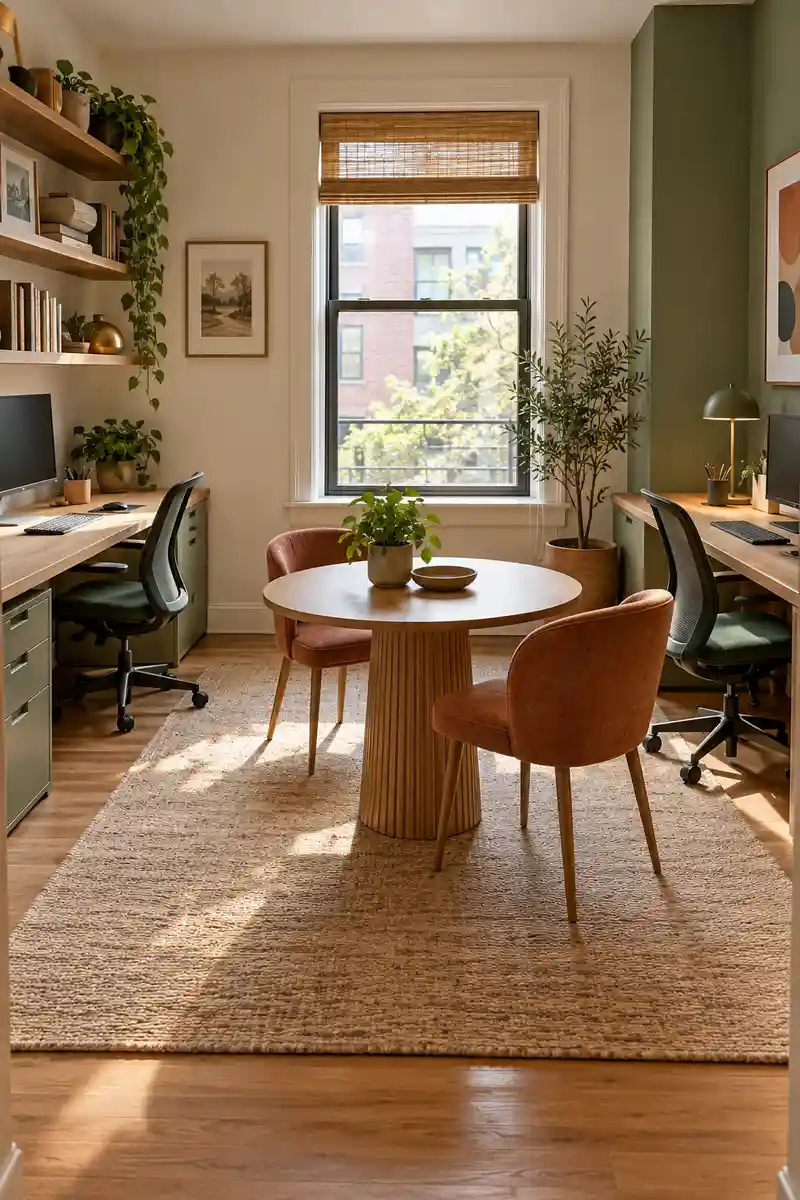
- Shared paperwork needs somewhere to spread without displacing two keyboards. Check whether a small round table fits outside the chair routes.
- Measure the footprint with both meeting chairs pulled out.
- Choose a stable table with a surface suited to your actual materials.
- Keep it clear between meetings so it remains useful when needed.
A separate table can help when two people regularly review drawings, paperwork, or shared plans. Keep it modest and choose chairs that tuck in neatly when unused. If meetings happen only occasionally, clear one existing surface instead; permanent furniture should earn the floor space it takes from the daily work area.
14. Movable Privacy Screen
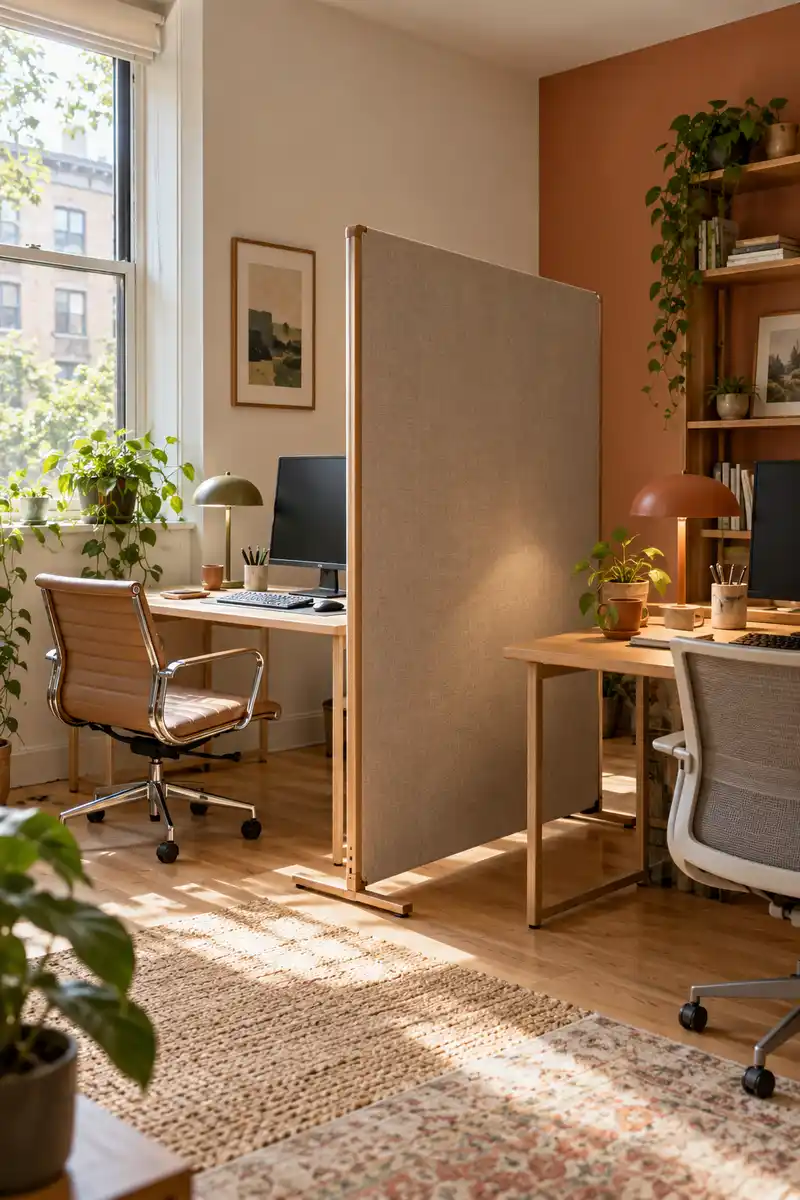
| Comparison | Tall solid partition | Movable partial screen |
|---|---|---|
| Daylight | May shade one workstation | Can be positioned below key light paths |
| Flexibility | Harder to adjust | Can move for shared tasks |
| Privacy | Strong visual separation | Modest separation without a full enclosure |
A freestanding screen can soften visual distractions and make each workstation feel more distinct. Choose a stable design and position it where both people still receive useful light. It should not block the exit, hide a heater, or create a narrow passage that forces somebody to squeeze past furniture every day.
15. Alternating Desk Zones
DO
- Let each station reflect the tasks performed there.
- Keep shared tools reachable without crossing another work surface.
- Agree on quiet periods when either person needs concentration.
DON’T
- Assume one person’s preferred background sound suits both.
- Turn the quieter corner into overflow storage.
- Use a decorative zone as a substitute for conversation.
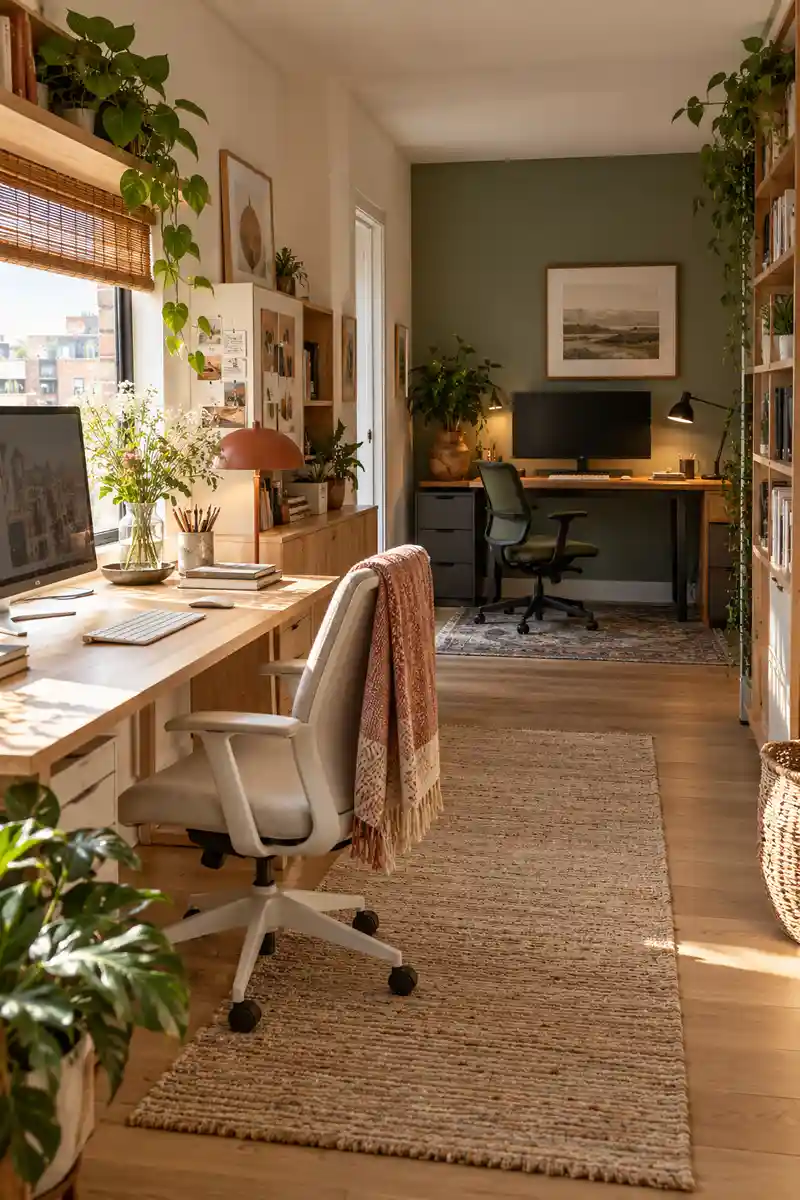
Different work rhythms deserve some room in the layout. Put the visually busy task area where its materials will not spread into the quieter station. Discuss music, calls, and interruptions directly, because color or furniture cannot establish boundaries on its own. Review the arrangement after a normal week of shared use.
16. Door Aware Seating
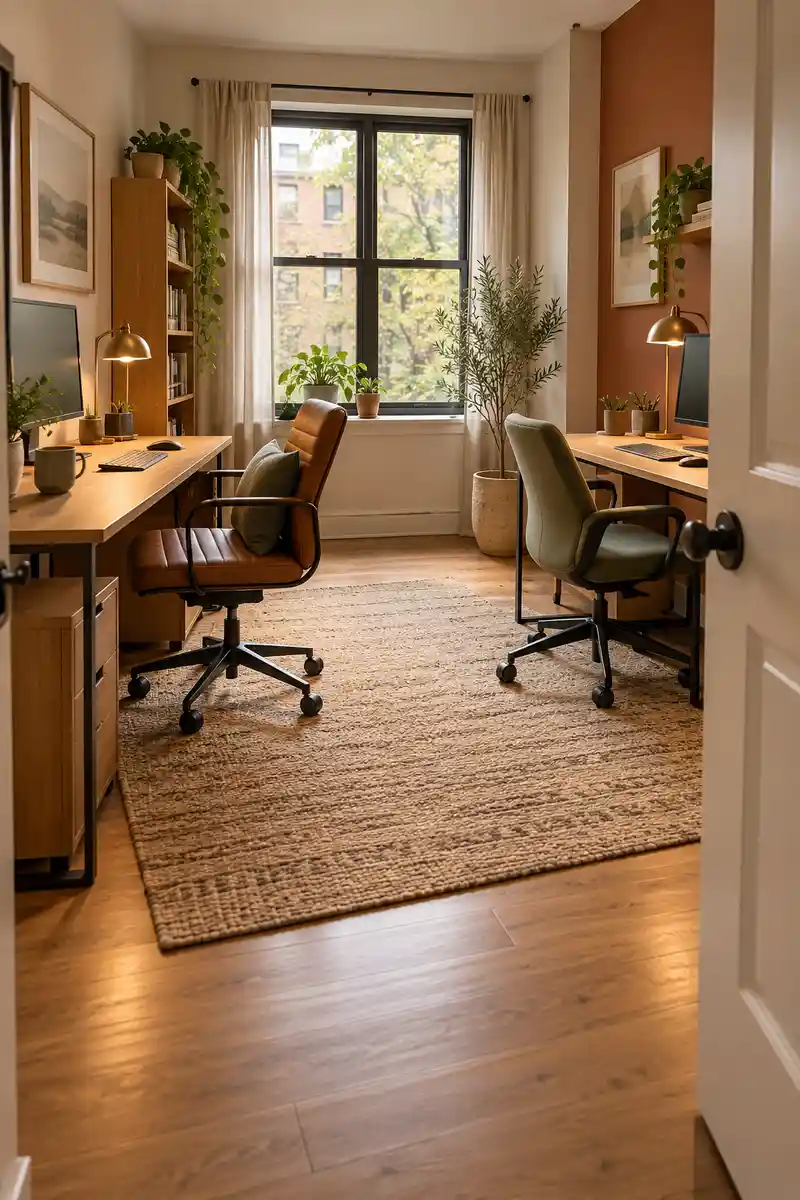
Best For: Shared rooms with frequent arrivals or passing traffic.
First Check: Mark the full door swing on the floor plan.
Result: Fewer surprises from movement behind a chair.
Limit: Preserve comfortable screen positioning and clear access.
Seeing the entrance can make some people more comfortable, especially when the office also serves as a passage to another area. Angle the desks only if that leaves keyboards and monitors aligned with their users. Keep door swings clear, and avoid trading a useful wall layout for an awkward diagonal obstacle.
17. Footrest Friendly Desks
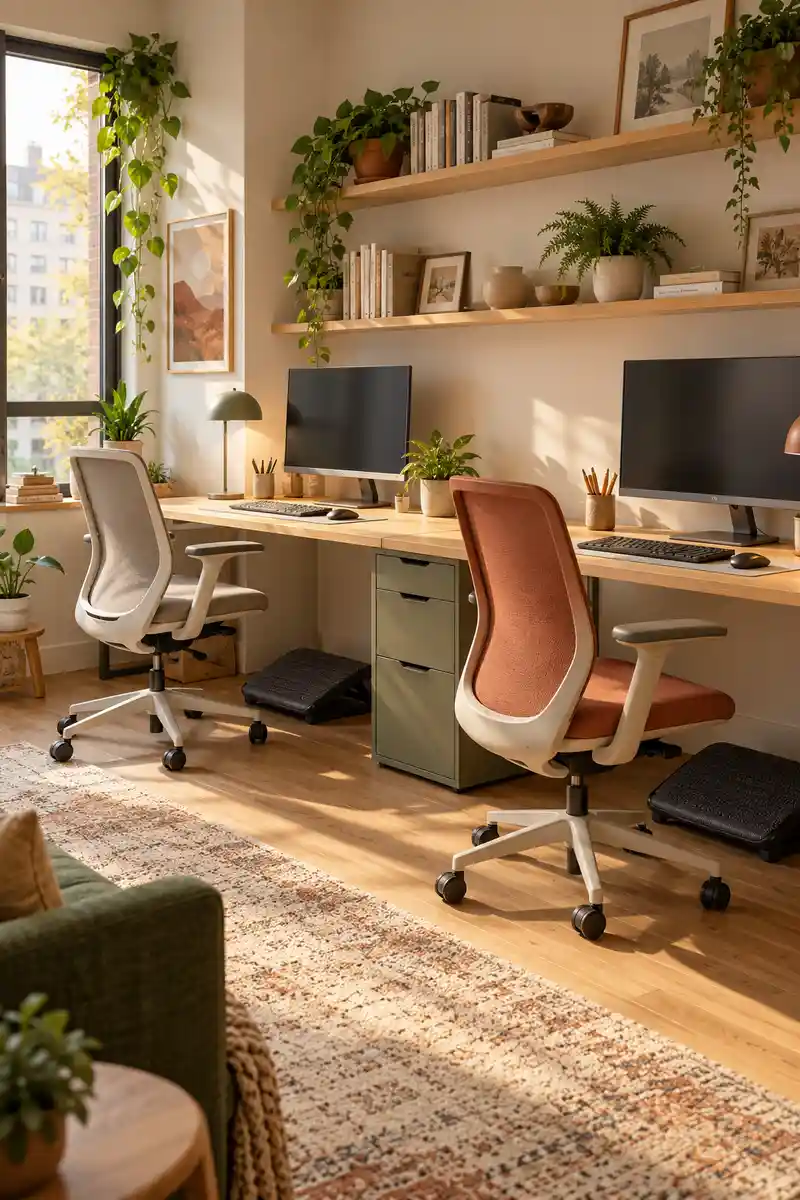
A chair adjusted for desk height may leave a shorter person’s feet without comfortable support. Make room beneath each workstation for an appropriate footrest where needed, rather than lowering the chair until reaching the keyboard feels awkward. Check the whole seated position together: chair, work surface, screen, and feet.
Keep underdesk storage away from knees so both users can change position during the day. A loose box may slide or collapse, so choose stable support designed for the task. Different chairs and footrests are reasonable in a shared office. Comfort matters more than creating an identical pair of seats.
18. Headphone Landing Spots
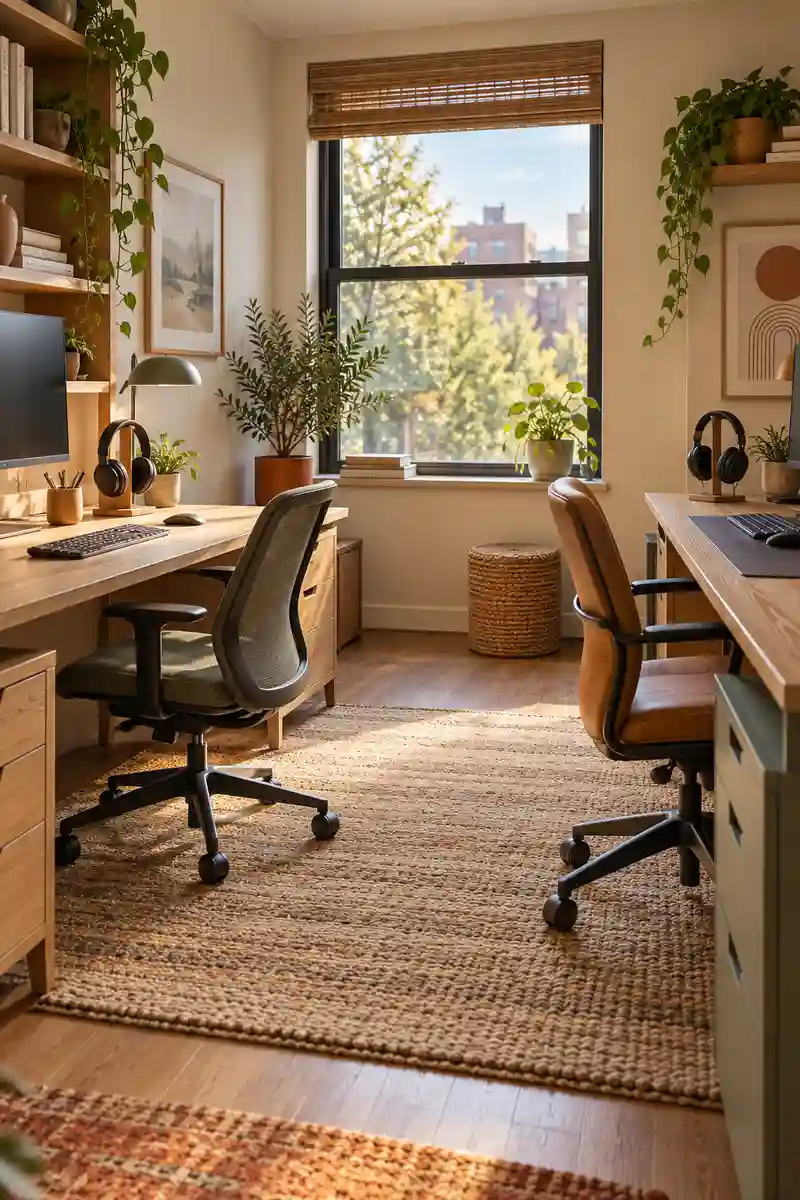
- Headphones disappear fastest when their storage spot changes daily. Give each pair a predictable home near its user’s seat.
- Choose a stand that will not tip under the headphone weight.
- Keep charging leads separate from mouse movement.
- Use a simple agreed signal before interrupting someone who is concentrating.
A separate stand or safe hook for each person’s headphones keeps them accessible between calls. Place these spots beside the workstation rather than behind a monitor that requires awkward reaching. Agree on what wearing headphones means in your room, while remembering that headphones alone cannot guarantee confidentiality or remove every distraction.
19. Dual Laptop Docking
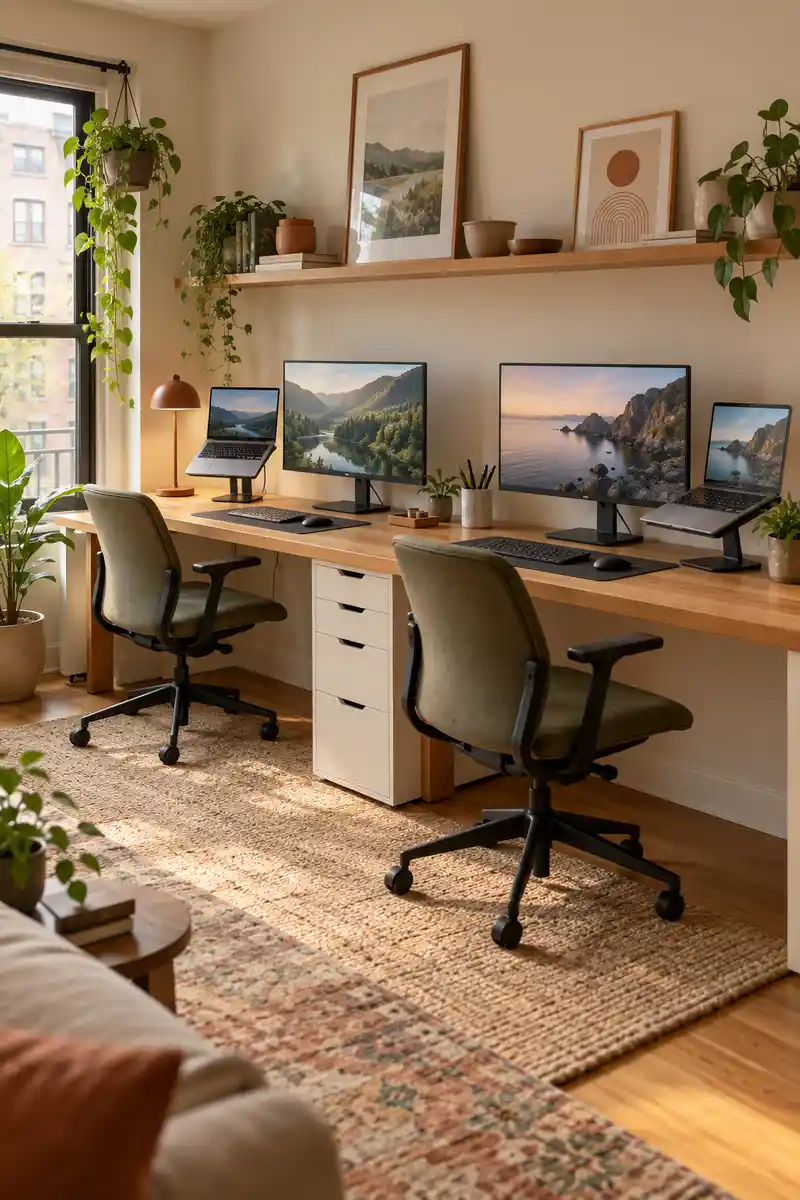
Quick Tip:
A raised laptop needs more than a pretty stand. Set up the keyboard, mouse, and screen as one comfortable system for each person.
A laptop stand can improve screen positioning, but comfortable typing usually needs a separate keyboard and mouse. Give both users enough surface depth for that combination before adding a second display. Confirm dock compatibility with each computer, and leave ventilation around devices so a neat arrangement does not create heat problems.
20. Flexible Guest Workspace
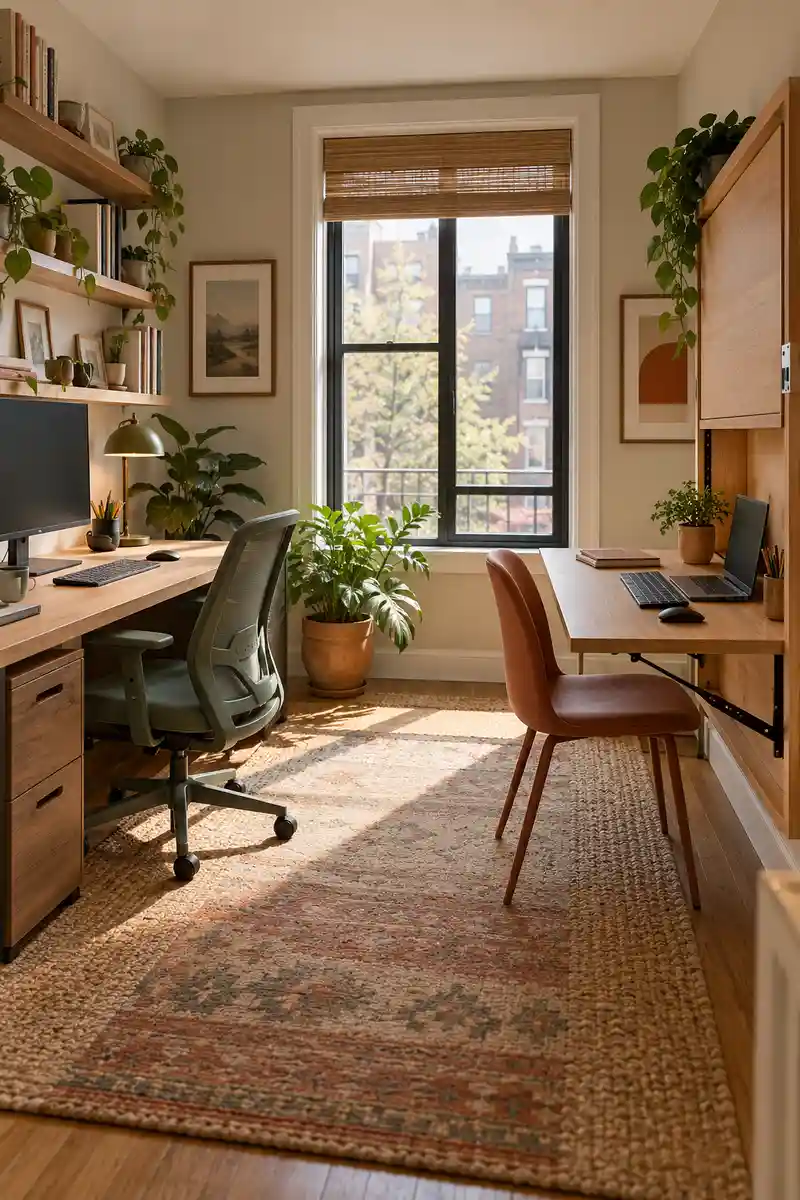
BEFORE: An occasional second worker uses the sofa or borrows half the main desk. Their equipment has no consistent setup or comfortable position.
AFTER: A substantial folding desk provides a separate station when needed. It can move away once the shared working period ends.
A secondary workstation can fold away when only one person uses the room regularly. Choose a stable desk with adequate depth and a comfortable chair rather than balancing a laptop on a narrow shelf. Store the folded furniture securely, and check the setup with the actual equipment before relying on it daily.
21. Clear Chair Routes
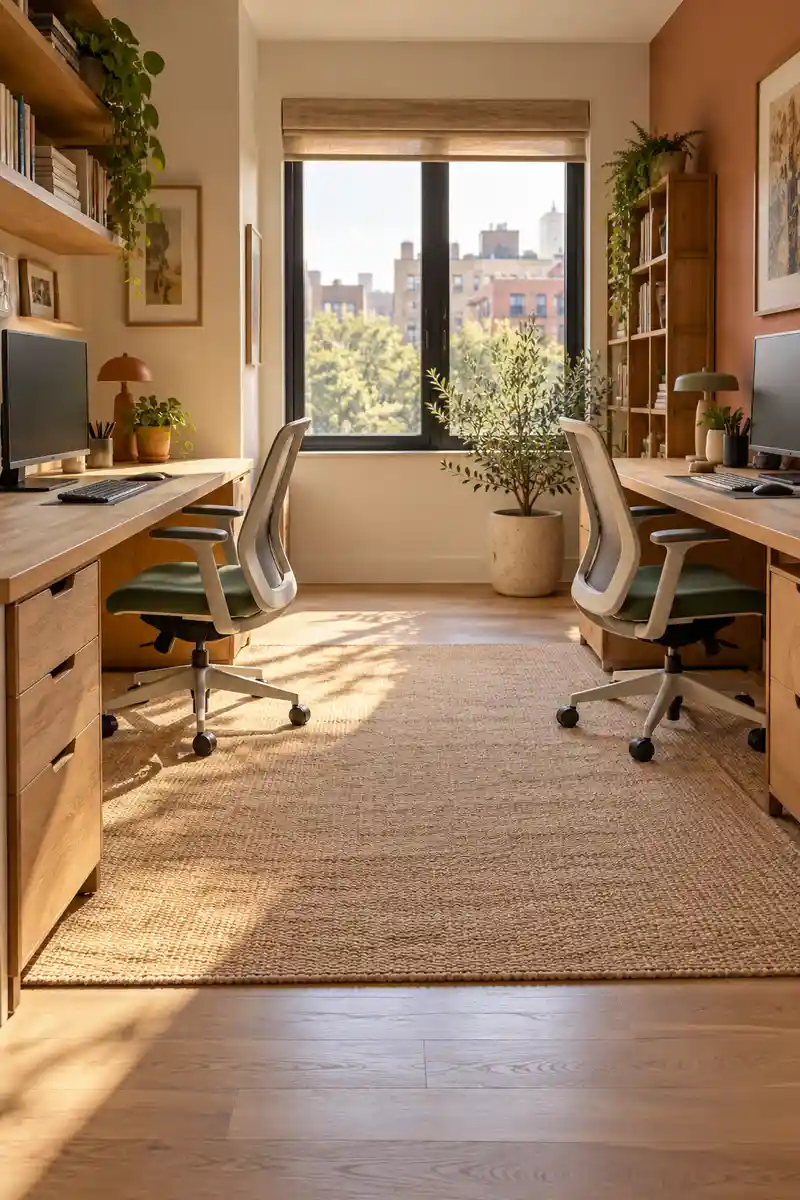
- The best layout still fails if somebody feels trapped at their desk. Pull both chairs back as they would move during a normal workday.
- Walk from each seat to the door without moving another chair.
- Open drawers and cupboards to check for collisions.
- Relocate storage and cables before bringing in optional furniture.
An office feels more comfortable when either person can move without asking the other to stand up. Test the layout during real tasks, including opening drawers and carrying a drink out of the room. Keep the route clear after adding bins, bags, and chargers, since small objects often undo a sensible plan.
Conclusion
A small office for two people should support two real working lives, with enough flexibility for different bodies, tasks, and schedules. Begin with comfortable seating and clear routes, then test light, screen angles, and call arrangements. Choose one layout that fits your room and adjust it after a few ordinary workdays. Extra furniture is useful only when it solves a genuine problem without crowding the space. Save these ideas on Pinterest so you can compare them later, try one change together, and share this article with your office partner. A few thoughtful decisions can make sharing the room feel much easier.
Community
Join the conversation
Add a useful idea, ask a specific question, or share what worked in your space. Every comment is reviewed before it appears.